The Models Arrive Dressed
Drop a glTF model into Lux and it now shows up wearing its own textures: the helmet has its scratches and decals, the wood looks like wood, the character keeps its skin. Until now every imported model rendered as a flat plastic version of itself, because the importer read the texture references and then quietly threw them away. Now it routes them all the way to the GPU, in the right colour space, for every channel.
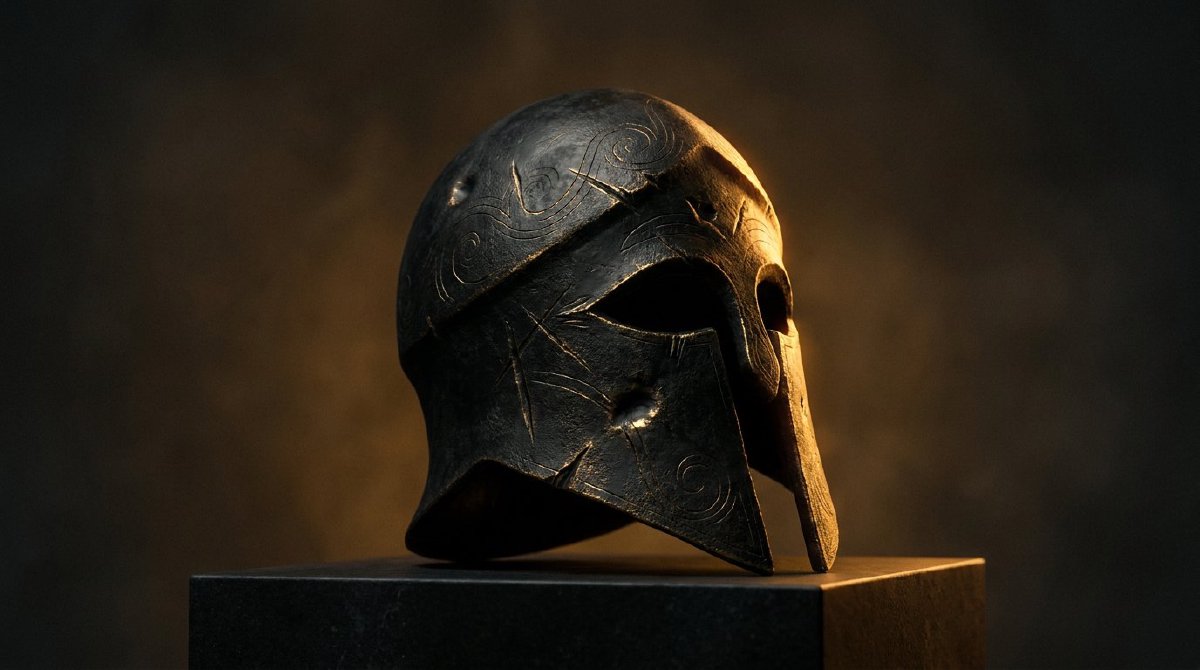
There is a particular small heartbreak in downloading a beautiful model, dropping it into your tool, and watching it render as a smooth grey lozenge. All the geometry is there. The shape is right. But the surface is blank, a mannequin where you expected a character. That was Lux until this release, and this is the post about giving imported models their skin back.
What wrong looked like
glTF, the format nearly every model ships in, packs a mesh together with a set of image maps: the base colour that says “this part is red brick, this part is brass,” the normal map that fakes the fine bumps, the metallic-roughness map that decides what is shiny and what is matte, plus emissive glow and ambient occlusion. Lux read the mesh perfectly and rendered it with the material’s fallback numbers, a single flat colour standing in for every one of those maps. The famous Damaged Helmet test model came in as a clean grey dome with none of its burn marks, panel seams, or worn edges. Technically a helmet. Spiritually a beanie.
The maddening part: the importer was not ignoring the textures. It read every reference, noted “base colour is image 3, normal is image 5,” wrote those down, and then dropped the note on the floor. The material got built with the texture slots left empty. The pipeline that actually puts textures on the GPU, the part that is genuinely hard, was already finished and waiting. The model was undressed in the last ten feet.
Routing it the rest of the way
So this closes that gap. When a model comes in, Lux now decodes each of its images, whether they sit in an external file, packed inside a binary .glb, or stuffed into the file as base64 text, hands them to the texture pool the renderer already feeds from, and wires each decoded image into the right slot on the material. All five channels, base colour, normal, metallic-roughness, emissive, and occlusion, on both static props and rigged animated characters.
The one detail worth getting pedantically right is colour space, and it is the kind of thing that looks like a nitpick until you skip it and everything goes subtly wrong. Base colour and emissive are stored the way your eye expects to see them and must be read as such; normal, roughness, and occlusion maps are raw measurements, not pictures, and have to be read as plain linear numbers or the lighting maths quietly lies. Lux now tags each channel correctly at upload, so a brass surface reads as brass and a normal map pushes the light in the direction it actually means. This rides on the single shading path every material already shares, so a textured import lights exactly like a hand-built material, because by the time the shader sees it, it is one.
What it buys you
Download a model, drop it in, and it looks like itself. The thing you saw on the asset site is the thing you see in Lux, decals and grime and brushed metal intact, instead of a primer-grey preview of it. For anyone pulling in characters, props, or scanned environments, that is the difference between Lux being a place you build models from scratch and a place you can actually bring your library. The renderer was always able to show this. Now the front door lets it through.