Subpatches Remember
Group nodes with Ctrl+G and they keep what they were holding. Save, reopen, and the group is still there. Ctrl+Z takes the grouping back, Ctrl+Shift+G opens the box. Until now the inner graph quietly evaporated on reload, taking every node inside it with it.
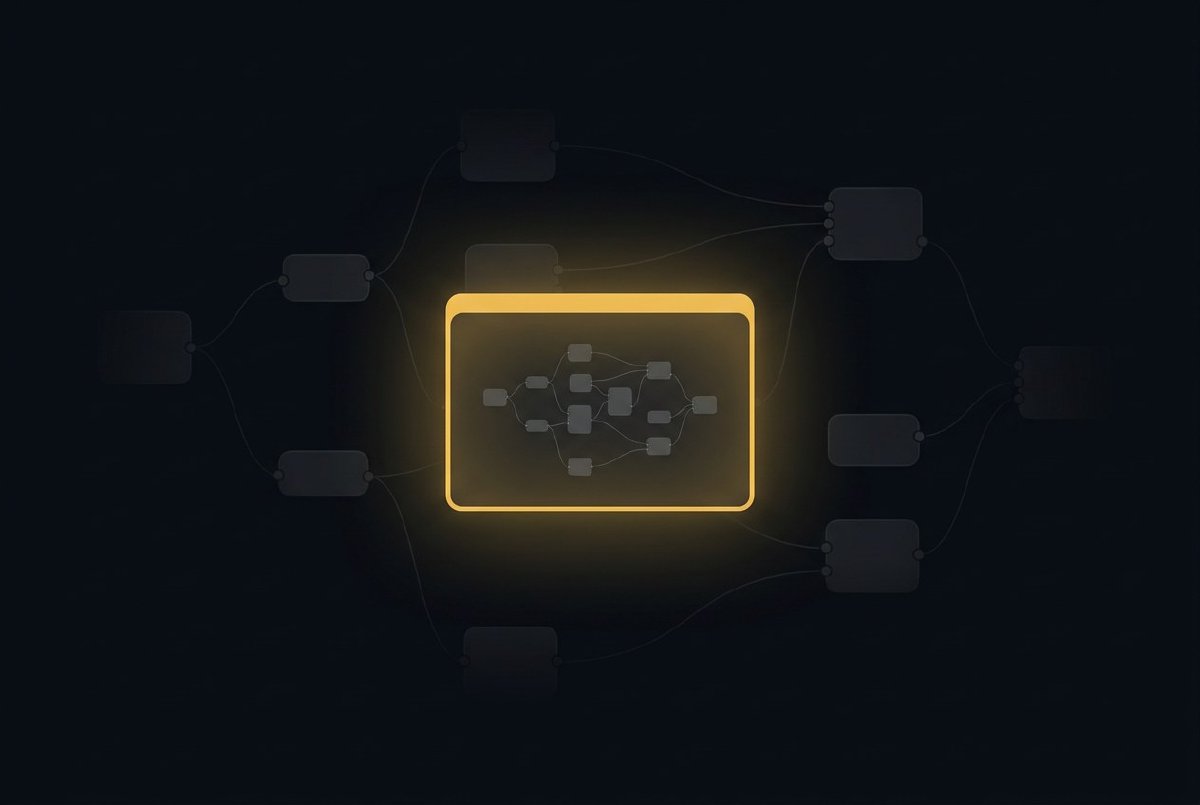
Grouping is the first thing you reach for when a patch gets busy. Twelve nodes of signal conditioning collapse into one tidy box labelled Subpatch, the canvas breathes again, and you get on with the show.
Then you saved the file. And reopened it. And the box was gone, along with everything in it.
Not corrupted, not empty, not sitting there with a broken wire. Gone. The loader would reach the subpatch, discover it had no idea how to rebuild one, write a polite note about an unknown node type into a log nobody reads, and skip it. Twelve nodes, deleted, silently, by the act of saving your work. Ctrl+G was less a grouping tool than a delayed-action shredder.
That is fixed. Subpatches now survive a save and a reload with the inner graph intact: every node, every wire, every exposed pin, laid out where you left it.
The state comes back too
Rebuilding the shape of a group is the easy half. The half that matters is what those nodes were holding.
A lot of the nodes you group are stateful. A FrameDelay remembers the last value that passed through it. A Counter remembers what it counted to. A Spring remembers where it was headed. That memory does not live in the patch file’s node list; it lives in the node’s own state, and a group that rebuilt its contents by name alone would hand you back a set of nodes that had forgotten everything. Your feedback loop would restart from zero, and the patch would look almost right, which is the worst way for a patch to look.
So the group carries its contents’ state with it. Reload a patch and the FrameDelay inside your subpatch is still holding the value it was holding when you hit save. Groups inside groups work the same way, to whatever depth you care to nest them, because a subpatch is just another node with state as far as its parent is concerned, and that recursion has to bottom out somewhere.
Grouping keeps it, ungrouping gives it back
The moment of grouping used to be its own small act of vandalism. Ctrl+G rebuilt every selected node from its type name, which is a polite way of saying it threw each one away and made a new one that looked the same. The FrameDelay holding 7.0 went into the box holding nothing.
It carries the state across now. Whatever your nodes were holding when you grouped them, they are still holding on the other side.
Ctrl+Z takes it back. Undo after a group restores the graph you had a second ago: the same nodes, the same wires, the same accumulated state, in the same places on the canvas. Grouping is a decision you are allowed to change your mind about, which is the only kind of decision worth offering during a show.
And Ctrl+Shift+G opens the box. Ungrouping puts the inner nodes back on the canvas where they were wrapped from, with their state and their wiring, and reattaches whatever was feeding the group to the nodes that were actually listening. A value you typed onto a group’s input pin rides back onto the pin inside that it was feeding, so the patch you unwrap evaluates to exactly what the patch you wrapped did.
What is still coming
One thing this does not do yet, stated plainly so nobody has to find out the hard way: you still cannot double-click a subpatch to edit its insides without unwrapping it. The node used to advertise a double-click-to-enter feature and a breadcrumb bar, neither of which existed, which is a fine way to make an artist doubt their own hands. The documentation now describes only what the node actually does. When drilldown ships, the docs will say so, and it will be true.
Grouping should be a way to tidy your thinking, not a wager on whether the file survives the round trip. It is now the former.